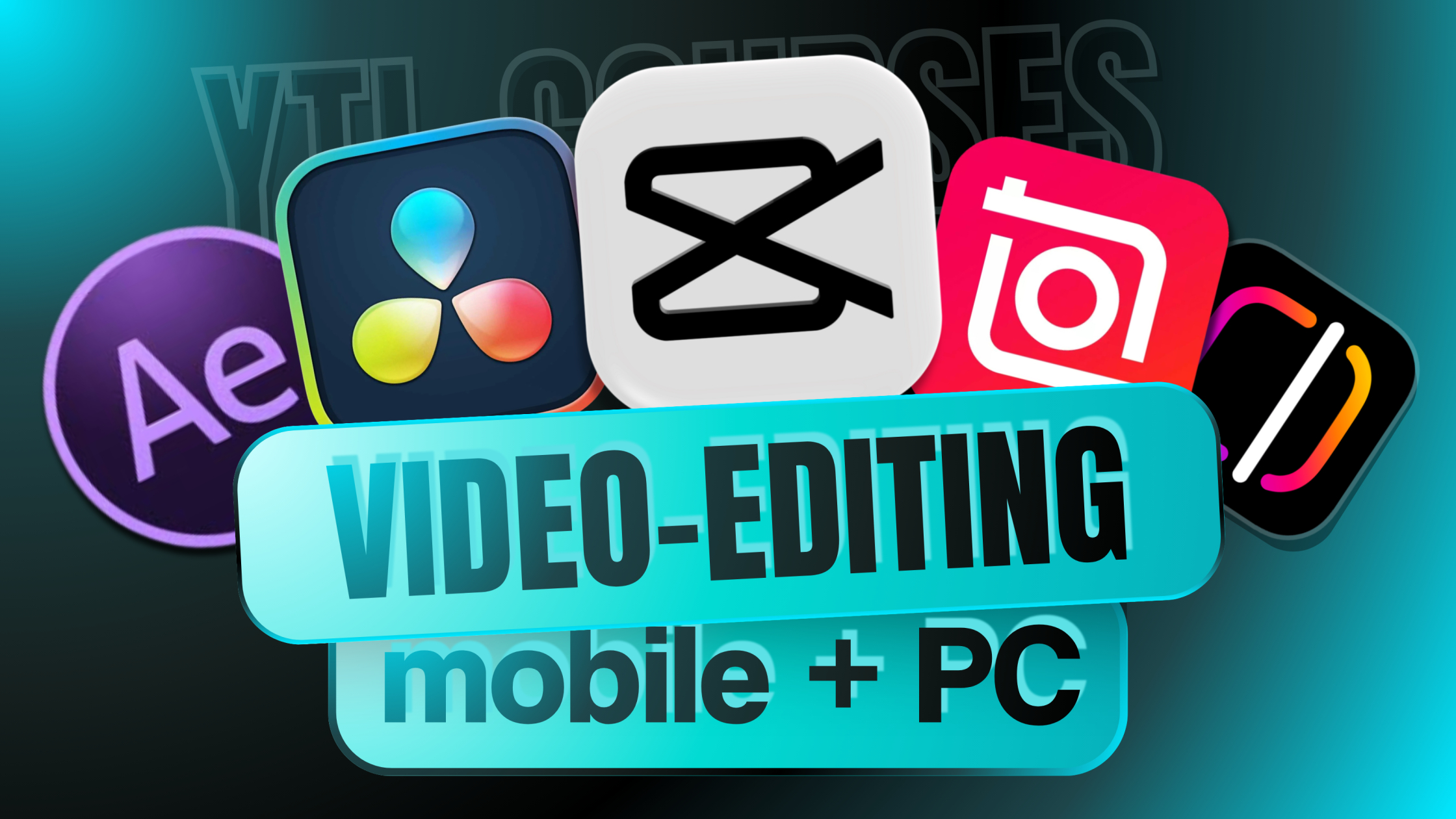
Complete Video Editing Course: Learn DaVinci Resolve, CapCut, InShot, InstagramEdits & After Effects
-
 By
YTL Courses
By
YTL Courses
- Categories: Social
Course Overview
This Complete Video Editing Course is designed for creators who want to learn editing from basic to professional level using both mobile and desktop tools. In this training, you will learn how to edit videos using DaVinci Resolve, CapCut, InShot, Instagram Edits, and After Effects. The course covers video cutting, transitions, color correction, motion graphics, reels editing, and cinematic effects. You will also learn how to create engaging content for YouTube, Instagram, and social media. By the end of this course, you will be able to confidently edit professional-quality videos and build real editing projects for your portfolio or freelance work.
Course Curriculum

Material Included
- 100,000+ Professional Video Editing Assets Bundle to help you create high-quality videos faster without searching for resources online.
- Premium Transitions Pack to create smooth and engaging scene changes in YouTube videos, reels, and cinematic edits.
- Cinematic LUTs (Color Presets) to instantly enhance colors and give your videos a professional film-style look.
- Overlays Collection including light leaks, particles, glitch effects, and visual elements to make videos more engaging.
- Visual Effects Library to add dynamic motion and creative editing styles to your content.
- Ready-to-Use Video Templates that help you edit videos quickly without building everything from scratch.
- Assets Designed for Creators perfect for YouTubers, Instagram Reels creators, content marketers, and freelance video editors.
Course completion certificate
Add this certificate to your resume to demonstrate your skills & increase your changes of getting noticed.

₹599.00
₹14,999.00
-
 Duration
2h 30m
Duration
2h 30m
-
 Lessons
4
Lessons
4
-
 Certifications
Yes
Certifications
Yes
-
 Language
-
English
Hindi
Material Included
- 100,000+ Professional Video Editing Assets Bundle to help you create high-quality videos faster without searching for resources online.
- Premium Transitions Pack to create smooth and engaging scene changes in YouTube videos, reels, and cinematic edits.
- Cinematic LUTs (Color Presets) to instantly enhance colors and give your videos a professional film-style look.
- Overlays Collection including light leaks, particles, glitch effects, and visual elements to make videos more engaging.
- Visual Effects Library to add dynamic motion and creative editing styles to your content.
- Ready-to-Use Video Templates that help you edit videos quickly without building everything from scratch.
- Assets Designed for Creators perfect for YouTubers, Instagram Reels creators, content marketers, and freelance video editors.